



Status: Links and open action done,DigitalGenius flows and Dixa integration todo.
On the bottom of the customer service homepage you see a text input field and 'start conversation' button.
Adding a message here opens the DigitalGenius chat instance.
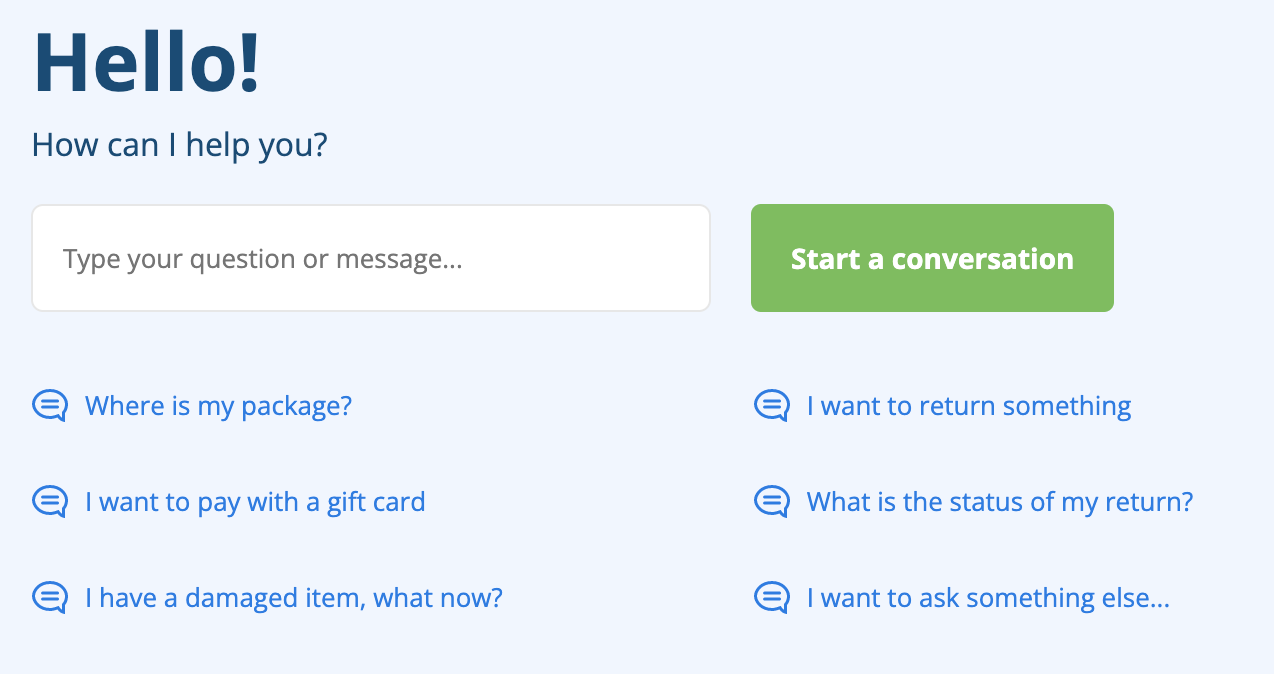
Below it we show various starter texts, which instantly activate the chat on click.
The preset starter texts can be managed, per language, in this Google Sheets tab.
Updates to the sheet should be visible in 5-10 minutes. If not, visit this page once and it should refresh. You can close the page after visit.
