



Fotoplakat
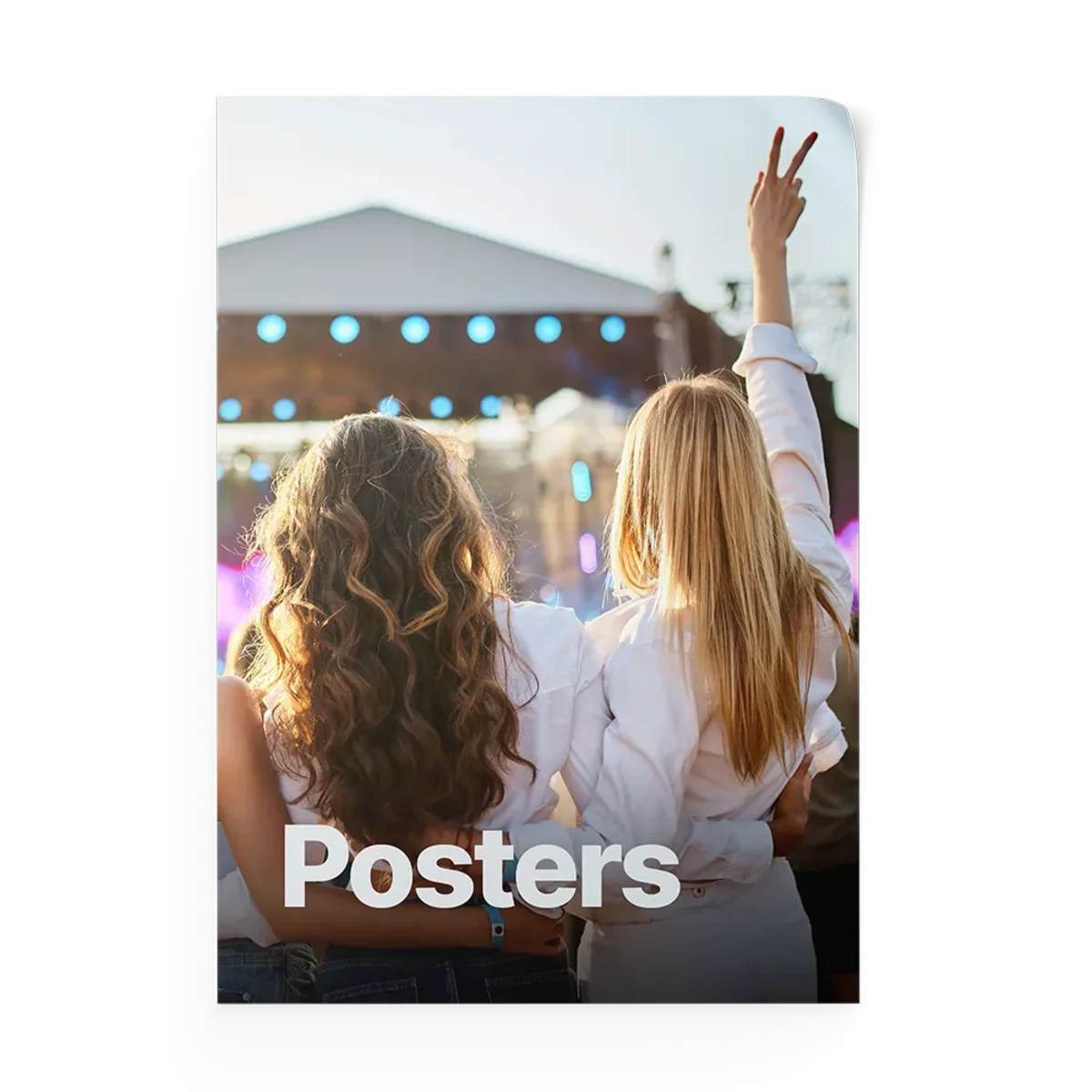
- Won’t crinkle or wrinkle
- Easy to hang - use push pins, clips, double-sided tape
- Convenient to move
Create your design
OptionalChoose how you'd like to create your artwork:
Datei hier ablegen oder klicken zum Durchsuchen
/
Vorschau wird generiert...
Applying adjustments...
·
Datei hier ablegen oder klicken zum Durchsuchen
/
Vorschau wird generiert...
Applying adjustments...
·
Über Fotoplakat
Sie suchen nach dem perfekten Schliff für Ihr Büro? Möchten Sie Ihr Zuhause mit einem schönen Foto dekorieren? Verschönern Sie jeden Raum mit HelloPrint's Fotoplakat! Die glänzende, glatte Qualität des Posters macht es zur idealen Oberfläche, um Fotos aus dem Alltag zu drucken. Lebensechte Bilder wie Landschaften oder Menschen werden auf diesem Material von hervorragender Qualität gedruckt. Leicht und einfach aufzuhängen, worauf warten Sie noch? Bestellen Sie es noch heute!
Hinweis: Befestigungsmaterial zum Aufhängen ist nicht im Lieferumfang dieses Posters enthalten.
Spezifikationen
| Eigenschaft | Wert |
|---|---|
| Material | Fotopapier |
| Materialgewicht | 190 g/m² |
| Zubehör | Querformat | Hochformat |
| Größen | Von 30x45 cm bis 84x119 cm |
Häufige Fragen
What is a photo poster exactly? And what can I use it for?
Can I hang my photo poster also outside?
How do I clean a photo poster?
What kind of photos do you recommend I choose?
What type of files can I upload?
Do I need to add anything to my photos to make them print-ready?
Will the colours on my Fotoplakat look just like the colours on my screen?
Can I make a collage with multiple photos in the editor?
Can I add text to my photos?
Is it possible to change the picture I initially chose for a different one in the editor?
What is the fastest possible turnaround?
Which carriers are used for delivery?
I can't find the specifications I'm looking for. Are custom products possible?
Fotoplakat
- Won’t crinkle or wrinkle
- Easy to hang - use push pins, clips, double-sided tape
- Convenient to move
Create your design
OptionalChoose how you'd like to create your artwork:
Datei hier ablegen oder klicken zum Durchsuchen
/
Vorschau wird generiert...
Applying adjustments...
·
Datei hier ablegen oder klicken zum Durchsuchen
/
Vorschau wird generiert...
Applying adjustments...
·
Über Fotoplakat
Sie suchen nach dem perfekten Schliff für Ihr Büro? Möchten Sie Ihr Zuhause mit einem schönen Foto dekorieren? Verschönern Sie jeden Raum mit HelloPrint's Fotoplakat! Die glänzende, glatte Qualität des Posters macht es zur idealen Oberfläche, um Fotos aus dem Alltag zu drucken. Lebensechte Bilder wie Landschaften oder Menschen werden auf diesem Material von hervorragender Qualität gedruckt. Leicht und einfach aufzuhängen, worauf warten Sie noch? Bestellen Sie es noch heute!
Hinweis: Befestigungsmaterial zum Aufhängen ist nicht im Lieferumfang dieses Posters enthalten.
Spezifikationen
| Eigenschaft | Wert |
|---|---|
| Material | Fotopapier |
| Materialgewicht | 190 g/m² |
| Zubehör | Querformat | Hochformat |
| Größen | Von 30x45 cm bis 84x119 cm |
Häufige Fragen
What is a photo poster exactly? And what can I use it for?
Can I hang my photo poster also outside?
How do I clean a photo poster?
What kind of photos do you recommend I choose?
What type of files can I upload?
Do I need to add anything to my photos to make them print-ready?
Will the colours on my Fotoplakat look just like the colours on my screen?
Can I make a collage with multiple photos in the editor?
Can I add text to my photos?
Is it possible to change the picture I initially chose for a different one in the editor?
What is the fastest possible turnaround?
Which carriers are used for delivery?
I can't find the specifications I'm looking for. Are custom products possible?
Logos
Brand Colours
Brand Fonts
Select from your Canva designs
Powered by CanvaNo designs found. Try a different search.
Opening Adobe Express…
The design editor is loading.
